Craft Stunning Blog
Thumbnails in Seconds
Transform your content’s first impression with Lomo—where professional design meets simplicity. Choose backgrounds, perfect text colors, and customize layouts effortlessly.


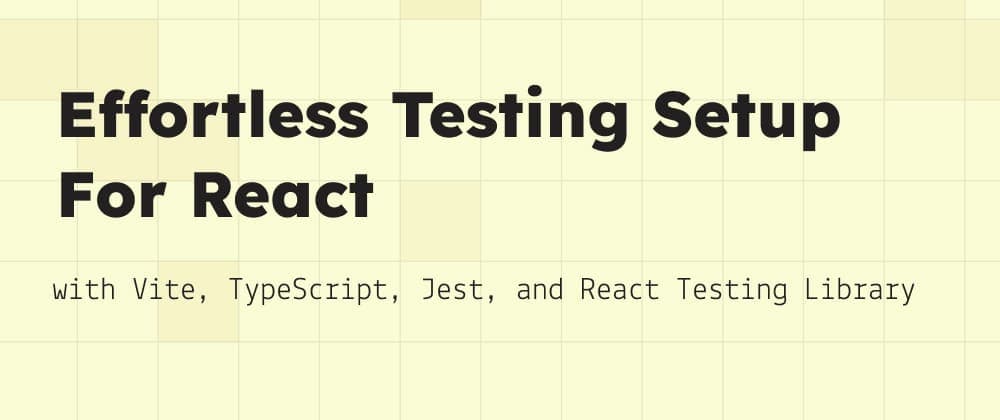

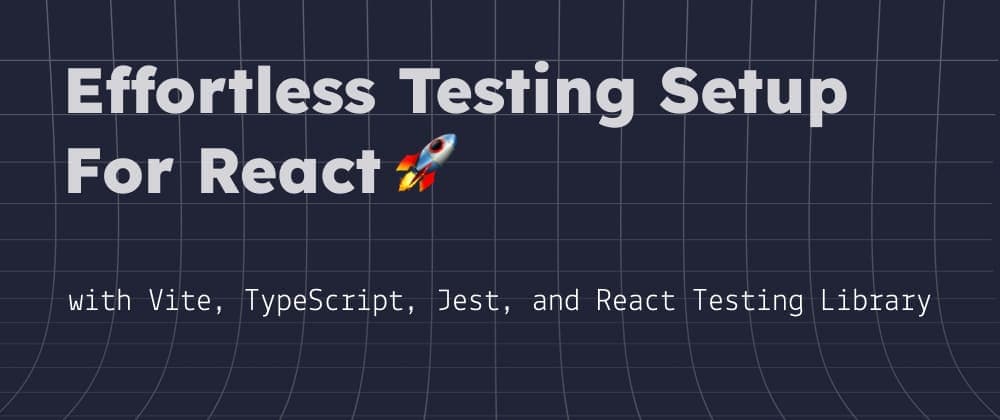
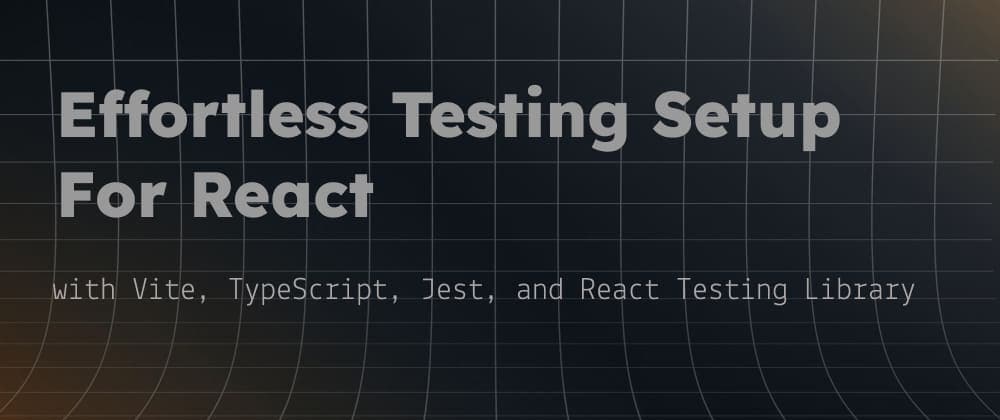
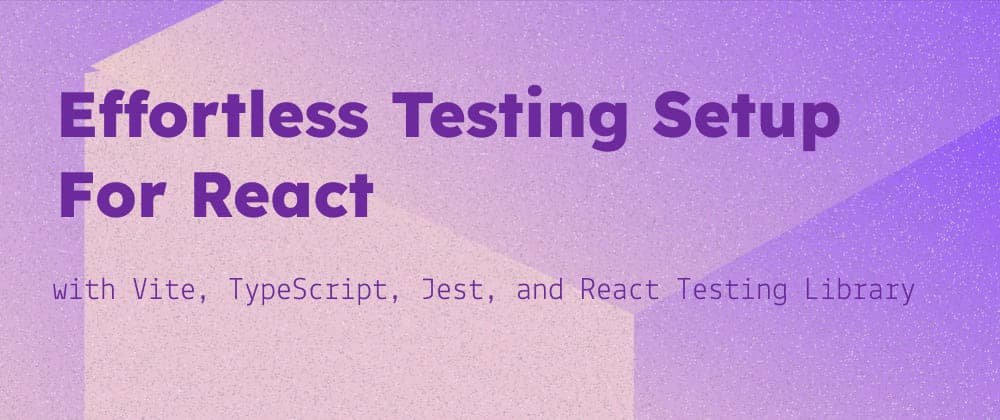
Why Lomo?
Curated Background Library
Browse dozens of handpicked, high-quality backgrounds optimized for blogs, social media, and more.
Smart Color Matching
Every background comes with pre-selected text and accent colors for maximum readability and visual harmony.
Flexible Layouts
Choose from grid, split-screen, overlay, and minimalist designs. Adjust spacing, alignment, and hierarchy with one click.
Drag-and-Drop Customization
Add text, upload images, resize elements, and experiment with fonts—no design skills required.
Export Ready
Download thumbnails in HD (PNG, JPG) or save presets for future posts.
How It Works
Create stunning thumbnails in four simple steps
Choose from beautiful gradients
Loved by content creators worldwide
As a social media manager, I create thumbnails daily. Lomo's drag-and-drop tool and preset layouts cut my work time by 70%. The HD exports look flawless everywhere!
Marcus L.
Digital Marketing Agency
I love how Lomo's color suggestions take the guesswork out of design. My thumbnails finally match my brand's aesthetic—no more clashing colors!
Sophie K.
Small Business Owner
The layout options are insane! I can experiment with overlays, grids, or minimalist styles in seconds. It's like having a designer on standby.
Alex P.
Freelance Writer
Lomo's collaboration feature lets my team tweak thumbnails together in real-time. It's streamlined our workflow and made feedback loops so much easier.
Nadia V.
Content Team Lead
I run a nonprofit blog, and Lomo's free tier is a game-changer. The professional results make our content look polished, even on a tight budget.
Ethan T.
Nonprofit Communications Director
Lomo saved me hours of fiddling with Photoshop. The color suggestions are genius!
Jamie R.
Lifestyle Blogger
Finally, a tool that understands what bloggers need. My click-through rates doubled!
Priya T.
Tech Writer
As a social media manager, I create thumbnails daily. Lomo's drag-and-drop tool and preset layouts cut my work time by 70%. The HD exports look flawless everywhere!
Marcus L.
Digital Marketing Agency
I love how Lomo's color suggestions take the guesswork out of design. My thumbnails finally match my brand's aesthetic—no more clashing colors!
Sophie K.
Small Business Owner
The layout options are insane! I can experiment with overlays, grids, or minimalist styles in seconds. It's like having a designer on standby.
Alex P.
Freelance Writer
Lomo's collaboration feature lets my team tweak thumbnails together in real-time. It's streamlined our workflow and made feedback loops so much easier.
Nadia V.
Content Team Lead
I run a nonprofit blog, and Lomo's free tier is a game-changer. The professional results make our content look polished, even on a tight budget.
Ethan T.
Nonprofit Communications Director
Lomo saved me hours of fiddling with Photoshop. The color suggestions are genius!
Jamie R.
Lifestyle Blogger
Finally, a tool that understands what bloggers need. My click-through rates doubled!
Priya T.
Tech Writer
Copyright &
Usage Rights
Important information about asset ownership, usage rights, and copyright considerations when using Lomo.